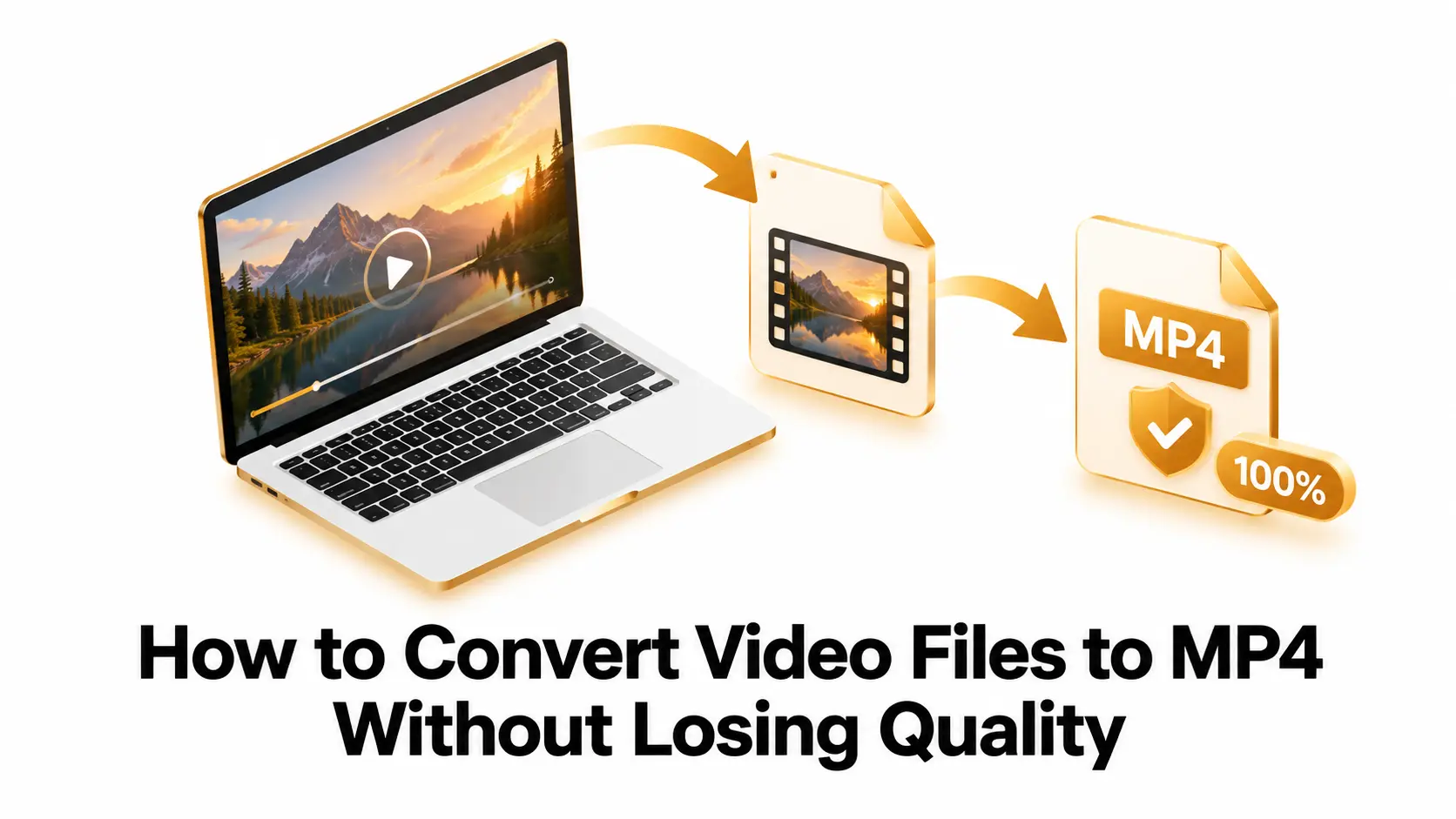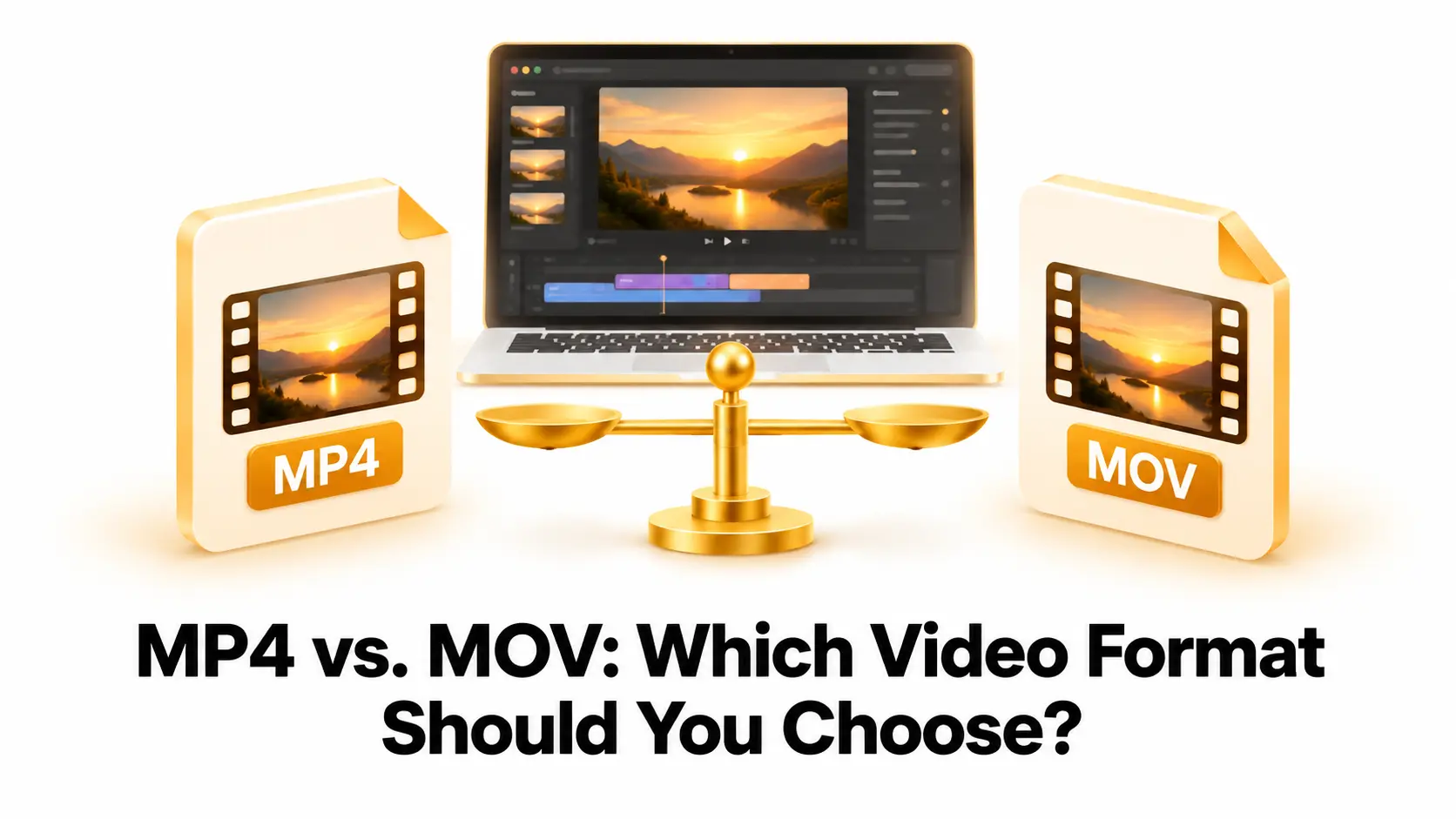
We have all experienced that sudden drop of frustration. You capture a perfect moment on your smartphone. Maybe it is a video of your dog doing a funny trick or a beautiful sunset from your weekend trip. You send it to your computer to edit it or show it to a friend. You double click the icon with excitement. Then, a cold and confusing message pops up on your screen. The message says the format is not supported. Your computer has absolutely no idea how to open the video.
This scenario happens thousands of times every single day. We live in a world packed with amazing technology. We own smartphones, laptops, desktop computers, smart televisions, and tablets. However, these machines rarely speak the exact same digital language. Apple devices love their specific formats. Windows computers prefer their own native types. Android phones have yet another set of rules. When these different worlds collide, the everyday user is left completely stuck.
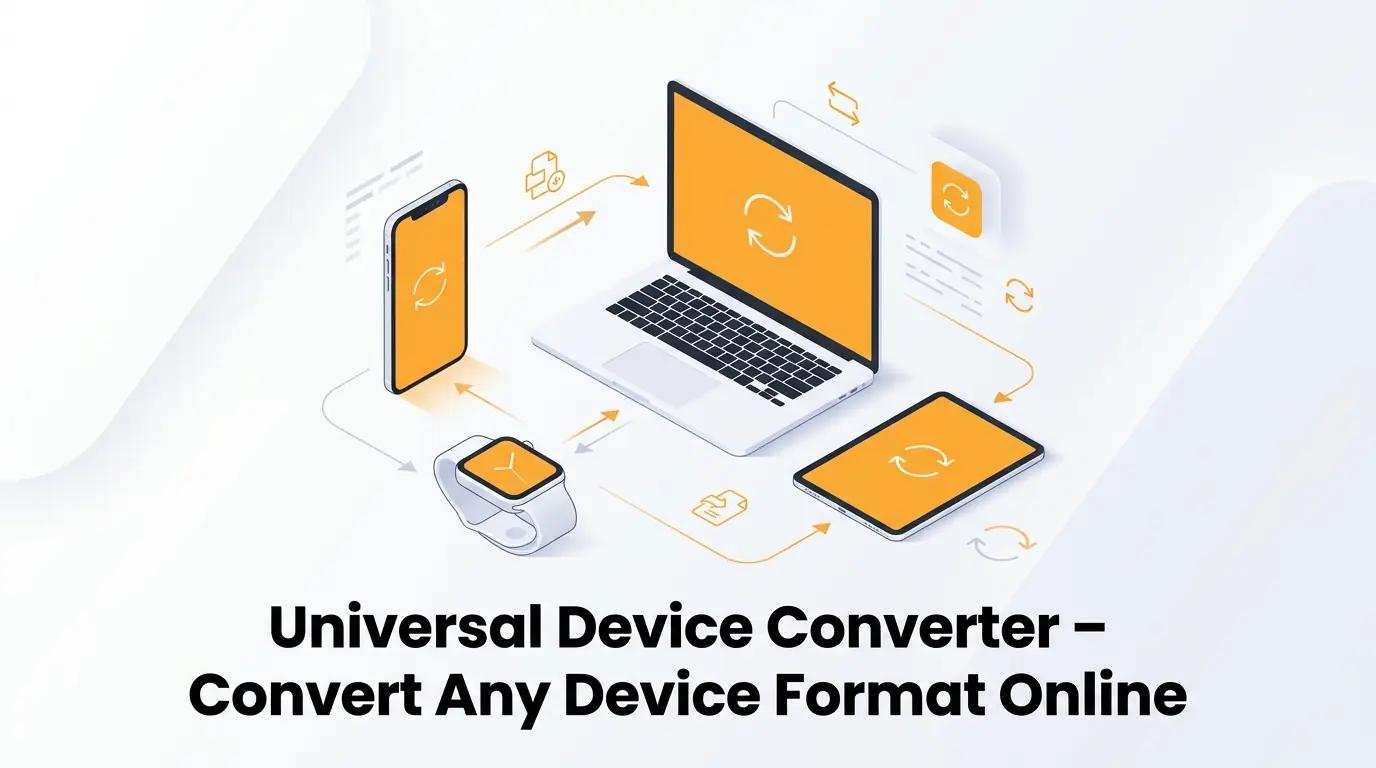
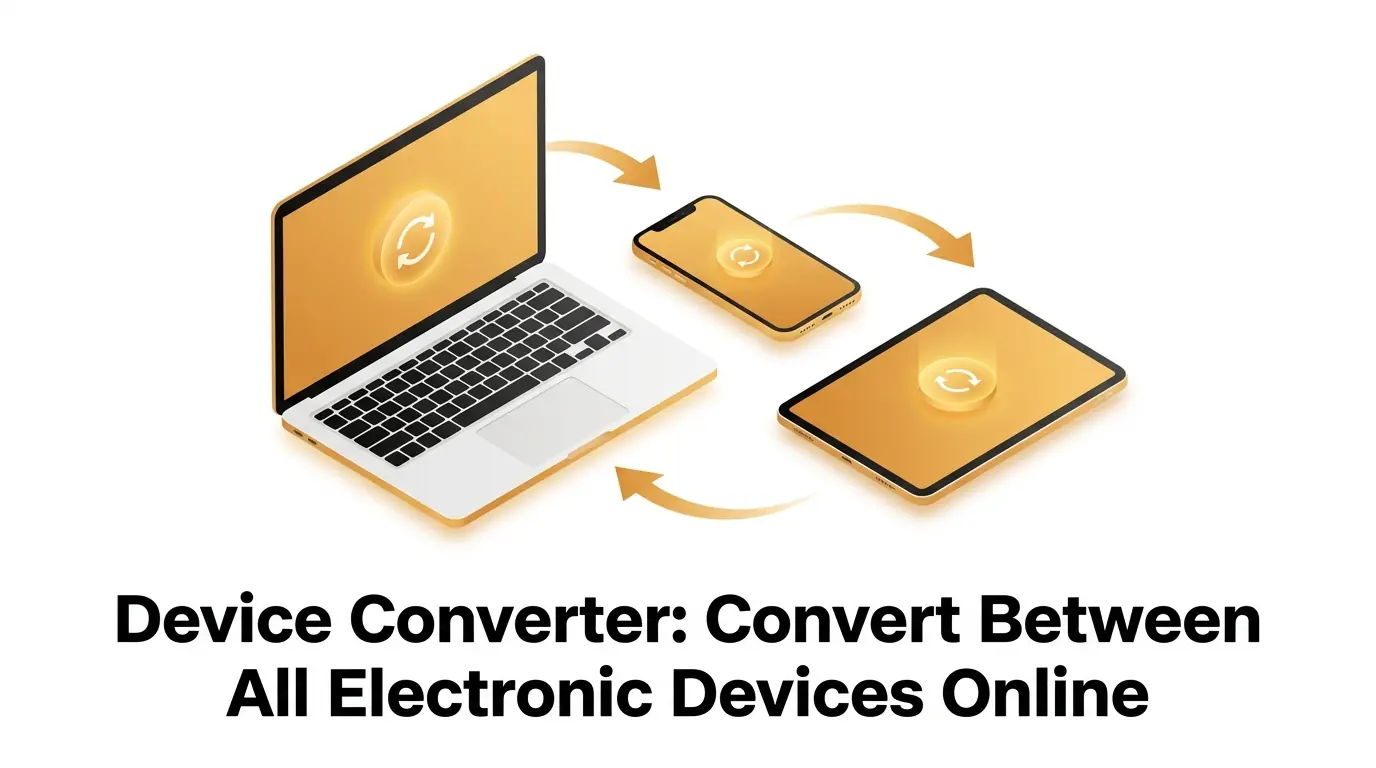
This is exactly why a reliable device converter is an absolute must-have tool for everyone. It does not matter if you are a beginner trying to share family memories, a professional blogger running a website, or a busy business owner pitching to clients. You need your media to work flawlessly across every screen. A high-quality online platform like convertig.com steps in to solve this exact problem. It bridges the gap between your gadgets and ensures your digital life keeps flowing smoothly. In this guide, we will explore exactly how you can take control of your media, make everything compatible, and save yourself hours of unnecessary stress.
The Frustration of the Modern Digital World
Think about how many different screens you look at throughout a normal day. You probably wake up and check your phone. You might work on a laptop for eight hours. Later in the evening, you relax in front of a smart television. Each of these screens represents a totally different operating system. Every single manufacturer wants you to stay inside their own specific ecosystem. They create unique file types to keep their users locked in.
This corporate competition creates massive headaches for normal people. Let us imagine you are a small business owner. You just finished recording a powerful promotional video for your new product. You used your expensive smartphone to get the best possible quality. You email this video to a potential client who uses a completely different brand of computer. If they cannot open your video, you look unprofessional. You might even lose the sale entirely. The client does not care about the technical reasons behind the error. They only know that the video did not work.
The same applies to professional bloggers. A blogger needs to upload crisp, beautiful images to their website. But modern smartphones often save photos in highly specialized formats to save local storage space. If a blogger tries to upload one of these specialized formats directly to WordPress or another blogging platform, the system will reject it. The blogger is forced to stop writing and start troubleshooting. A problem that should not even exist suddenly ruins their entire workflow.
What Exactly Is a Device Converter?
To put it simply, a device converter acts as a universal translator for your digital media. Imagine you are sitting in a room with someone who only speaks French, and you only speak English. You cannot communicate at all. Now, imagine a skilled human translator walks into the room. You speak to the translator in English. They instantly turn your words into French. Now, a smooth conversation can finally happen.
A conversion tool does the exact same thing for your gadgets. It takes a piece of media from one brand and translates the underlying computer code. It changes the digital structure so that a completely different brand can understand it perfectly. You start with an unrecognizable item, and you end up with a universal format that works everywhere.
The beauty of a modern device converter is that it happens entirely online. You do not need to visit a technology store. You do not need to spend hundreds of dollars on complicated editing software. You do not even need to understand how the coding works. The website does all the heavy lifting behind the scenes. You simply upload your media, pick what you want it to become, and let the cloud servers do the hard work.
Understanding the Mystery of the Device File
When you take a picture or record an audio clip, your gadget creates a specific container for that data. This container is often referred to as a device file. It holds all the colors, the sound waves, and the brightness levels. But it also holds special instructions on how to display those things.
The problem arises when an older gadget encounters a brand new type of container. Let us say you buy the latest smartphone on the market. It uses a cutting-edge format that was just invented this year. When you try to send that fresh media to a laptop you bought five years ago, the laptop is confused. The laptop looks at the new instructions and does not know how to read them. The software inside the old laptop was built long before the new format was even invented.
This creates a massive barrier for beginners. You might think your laptop is broken. You might think you broke your phone. But nothing is actually broken. It is just a simple misunderstanding between the software generations. A proper online tool takes that complex, brand-new container and repackages the data into an older, widely accepted format. Suddenly, your five-year-old laptop opens the photo in less than a second.
Shrinking the Load with a File Compressor
Sometimes, compatibility is not your only problem. Have you ever tried to email a presentation, only for the email service to reject it because it was too large? High definition cameras are amazing, but they produce incredibly massive amounts of data. A single minute of crisp video can easily consume hundreds of megabytes of space.
When you try to move these huge chunks of data across the internet, things slow down to a crawl. Your upload takes hours. Your friend cannot download it because their internet plan has a data limit. Your website loads incredibly slowly because the images are way too heavy. This is a massive issue for user experience and search engine optimization. Google will punish a blog if the pictures take too long to load.
This is the exact moment you need a File Compressor. A compressor is a brilliant piece of digital math. It looks at your huge image or video and finds clever ways to make it smaller. It looks for repetitive data that your human eyes cannot even notice. For example, if your video features a solid blue sky for ten seconds, the compressor realizes it does not need to save the exact same shade of blue thousands of times. It writes a simple rule to keep the sky blue, which saves an enormous amount of space. By using a File Compressor on convertig.com, you can shrink your heavy media down to a manageable size without ruining the visual beauty.
A Simple Step by Step Guide to Changing Formats
You might assume that altering the digital structure of a video or image requires a degree in computer science. Ten years ago, you might have been right. The software was clunky, confusing, and completely inaccessible to beginners. Today, the user experience is the top priority. The process is smoother than ordering food online.
Here is exactly how you can transform any media you have in just a few moments.
- Open your favorite web browser on your phone or computer and head straight to convertig.com.
- Locate the main upload area on the homepage and select the specific file you want to change.
- Browse the clean drop-down menu to find the perfect new format for your current needs.
- Click the large action button to tell the cloud servers to start the translation process.
- Wait just a few seconds for the green completion message, then click the final button to save the fresh media right to your hard drive.
You do not need to install sketchy applications. You do not need to register an account. You just follow those incredibly basic steps. You go from a frustrating error message to a perfectly working video in less than a minute.
Making Sense of the Most Popular Formats
If you are a beginner, looking at a list of format acronyms can feel like reading alphabet soup. MP4, PNG, WAV, GIF, PDF. What do they all mean? Why do we need so many of them?
Different formats were invented to solve very specific problems. Some were built to hold high quality music for professional studios. Others were built to load quickly over slow internet connections. Understanding the basic categories will make your life much easier. When you use the online tool, you will know exactly which option to pick.
Below is a quick reference guide to help you navigate the most common types of media you will encounter.
| Format Name | Typical Use Case | Quality and Size Characteristics |
|---|---|---|
| MP4 | Web videos, social media clips, streaming | Great balance of high video quality and small storage size. |
| MP3 | Podcasts, music tracks, voice recordings | Removes invisible sound data to keep the audio very small. |
| JPEG | Digital photos, blog pictures, email attachments | Shrinks photo size slightly, perfect for everyday sharing. |
| WAV | Professional music production, high-end audio | Keeps every single sound wave intact, resulting in huge sizes. |
| PNG | Logos, digital art, transparent backgrounds | Never loses visual quality, keeps edges extremely sharp. |
By keeping this chart in mind, you take the guesswork out of the equation. If you are uploading a podcast to your blog, you know you need an MP3. If you are sharing a funny meme, a JPEG will do the job perfectly.
Why You Should Rely on convertig.com
The internet is flooded with websites promising to fix your format issues. However, not all platforms are created equally. Many of them are packed with aggressive advertisements that slow down your computer. Others secretly put ugly watermarks over your beautiful family videos. Some even restrict how many times you can use their service unless you pay a heavy monthly fee.
You need a platform that respects your time and your media. You need a dedicated tool built for real people. Here is exactly why this specific platform stands above the rest of the crowd.
- The entire service is completely free to use, saving you money for more important things in your business or personal life.
- It operates directly in your internet browser, meaning you never have to download potentially dangerous software to your desktop.
- The tool supports an incredibly massive library of distinct formats, so you never have to bounce between different websites.
- The processing engines run on incredibly fast cloud servers, reducing your waiting time to mere seconds instead of long minutes.
- The interface is beautifully clean and straightforward, making it totally accessible even if you are terrible with modern technology.
When you find a reliable digital tool, you stick with it. It becomes a permanent part of your digital toolkit. Knowing you have a fast, free, and safe option takes the anxiety out of managing your daily projects.
The Vital Importance of Privacy and Security
We share a massive amount of our personal lives through our screens. We send pictures of our children. We transmit sensitive financial documents. We record private video messages for our partners. When you upload a personal item to a random website, you are taking a leap of faith. You are trusting that the website owners will not look at your private moments or steal your business secrets.
Security is the most critical feature of any online tool. A trustworthy device converter takes your privacy extremely seriously. When you use a top tier platform, your media is never handled by human eyes. The entire translation process is handled by automated mathematical scripts.
Furthermore, the best platforms follow strict data deletion policies. When you finish making your media compatible and you click the final download button, the server automatically wipes your original data from its hard drives. Your memories do not sit in a random database for years. Your business presentations are permanently erased from the cloud. This automated destruction guarantees your digital footprint remains clean and your private life remains actually private.
How Bloggers and Business Owners Benefit
Let us take a deeper look at how this technology impacts people trying to grow an audience or run a company. If you are a beginner blogger, you quickly learn that website speed is everything. If a visitor clicks on your blog post and the pictures take ten seconds to load, that visitor will leave immediately. They will click the back button and go to your competitor.
Google tracks this behavior. If people leave your site quickly, Google assumes your site is bad. Your search engine rankings will plummet. By using an online tool to change your massive raw photos into lightweight, web friendly formats, you instantly boost your site speed. Your visitors stay longer, they read your content, and Google rewards you with better rankings. It is a simple technical trick that yields massive professional results.
Business owners face similar hurdles. Imagine trying to send a large PDF contract to a client, but they are trying to read it on a ten-year-old smartphone while riding the train. The phone struggles to open the massive document. The client gets frustrated. If you had taken ten seconds to run that document through a File Compressor first, the client would have opened it instantly. In the business world, convenience equals profit. Making things easy for your clients is the best customer service you can provide.
Wrapping Up the Digital Experience
Technology is supposed to make our lives easier, not harder. We buy powerful gadgets because we want to connect with the world, tell our stories, and build our businesses. We should never be stopped in our tracks by a silly format error. We should never have to delete old photos just because our videos are taking up too much room.
By understanding how your gadgets save data, you take your power back. You no longer have to rely on confusing workarounds or expensive software packages. You know exactly what a device file is, and you know exactly how to manage it. You understand that a quick trip to convertig.com solves the problem in less time than it takes to check your email.
Embrace the simplicity of modern online tools. Shrink your heavy presentations with a reliable File Compressor. Translate your stubborn videos with a fast device converter. Keep your digital life organized, clean, and perfectly compatible across every screen in your home. When your technology works in perfect harmony, you are completely free to focus on the things that truly matter.
Frequently Asked Questions
1? What exactly does a device converter do?
A device converter is a smart online tool that changes the internal structure of your digital media. It takes a format that only works on one specific brand of hardware and transforms it into a universal format. This allows you to easily view, share, and edit your photos and videos on any phone, tablet, or computer you own without running into frustrating error messages.
2? Why are my videos taking up so much space?
Modern cameras capture an incredible amount of visual detail and color data. When left in their raw, original state, these videos create massive files that quickly fill up your hard drive. This happens because the camera saves every single pixel of every single frame, even if nothing in the background is actually moving.
3? How does a File Compressor solve storage problems?
A File Compressor uses clever math to scan your media and throw away invisible or repetitive data. If a video shows a completely still background, the compressor stops saving that background over and over again. This heavily reduces the total size of your media without noticeably hurting the quality, making it much easier to email or upload to a blog.
4? Is it safe to upload my personal pictures to an online tool?
Yes, it is entirely safe if you use a reputable and professional platform. Trustworthy websites use fully automated systems to process your data, meaning no humans ever see your uploads. Additionally, the system is programmed to automatically permanently delete your data from their servers shortly after you finish downloading your fresh format.
5? Do I need to be a technology expert to use convertig.com?
Absolutely not. The platform is built specifically for absolute beginners. You do not need to understand complex coding, bitrates, or technical jargon. The website features a simple, clean design where you just click to upload, select your desired outcome, and click a button to let the servers do all the hard work for you in seconds.