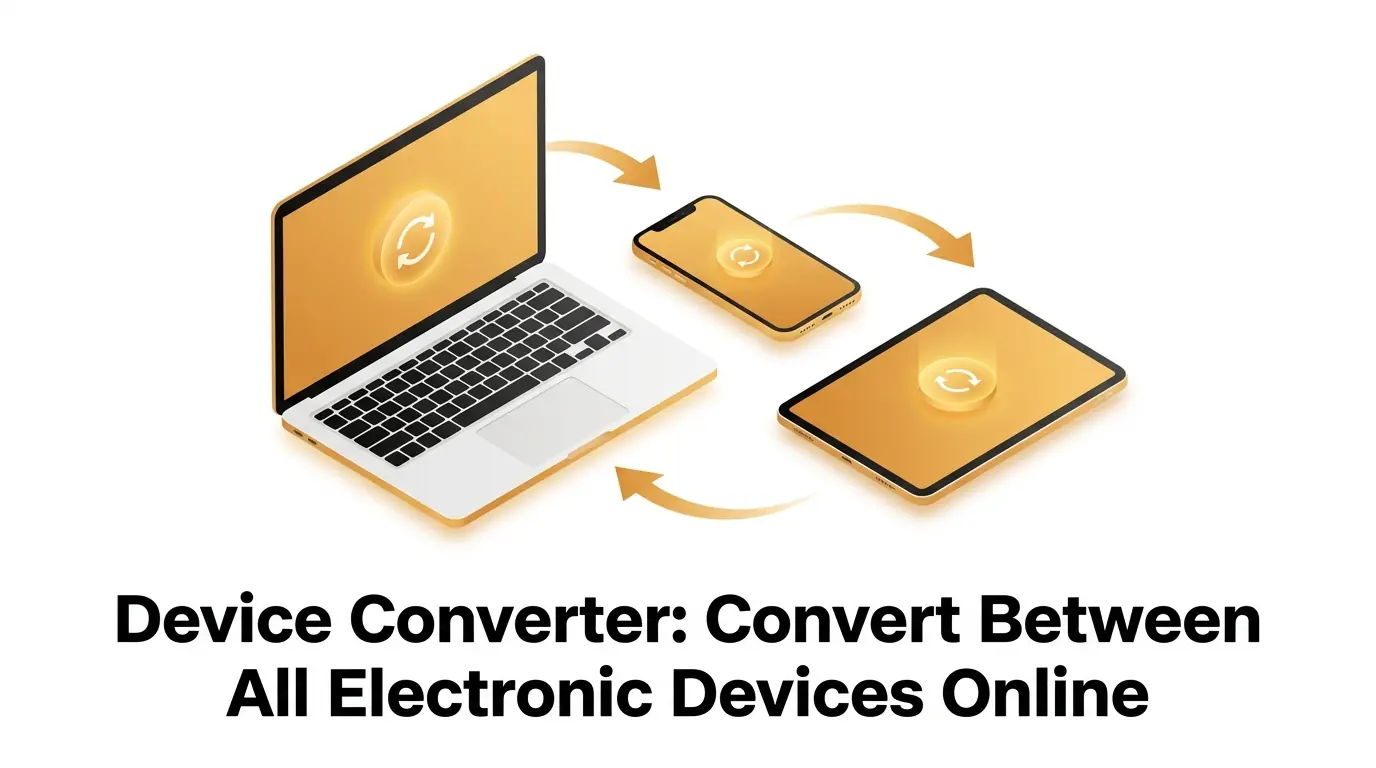
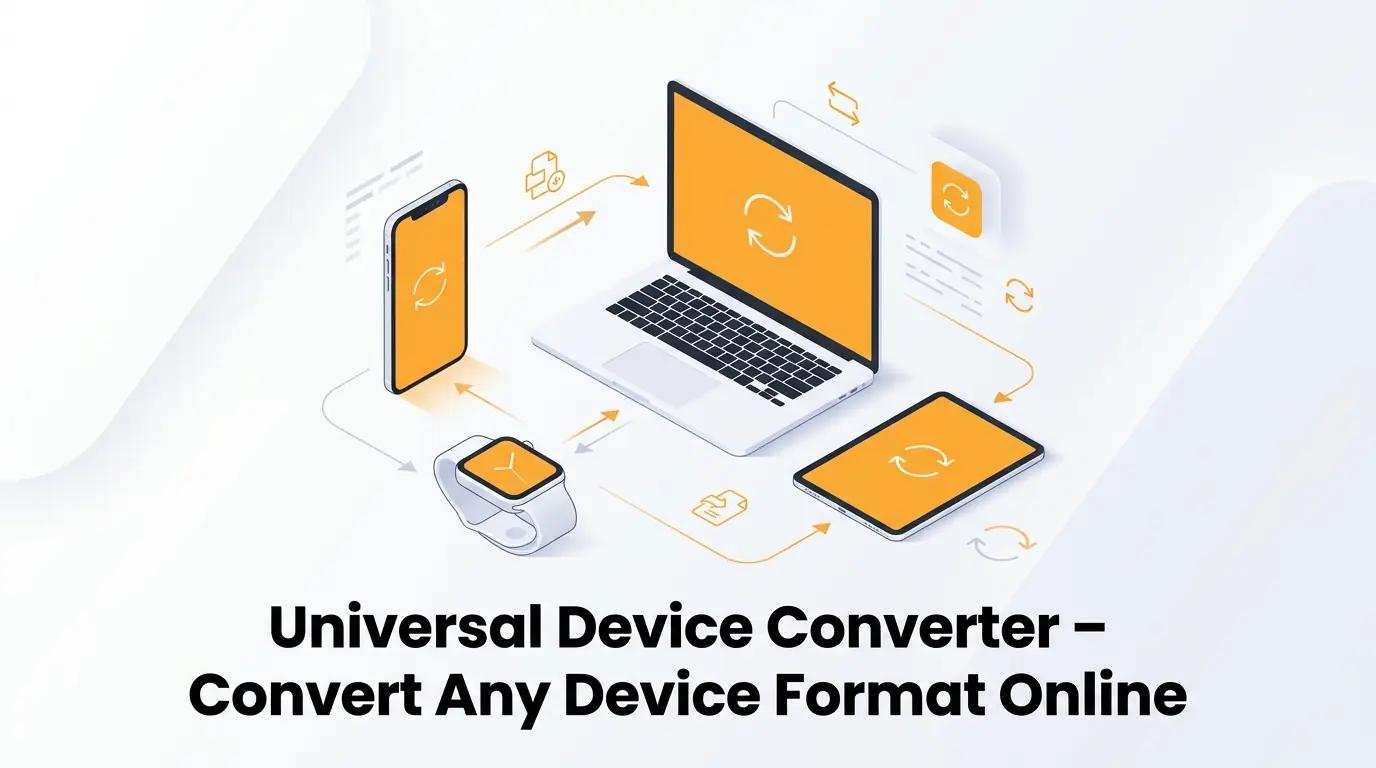
Have you ever recorded a beautiful moment on your smartphone, only to realize your laptop refuses to play the video? Or maybe you downloaded an important document for work, but your tablet simply cannot open it. We have all been there. It is incredibly frustrating when your gadgets refuse to communicate with each other. In a world where we use multiple gadgets every single day, compatibility issues are a common headache. You might have an iPhone, a Windows computer, an Android tablet, and a smart TV. Each of these machines speaks its own distinct digital language. When they do not understand each other, your workflow comes to a grinding halt. This is exactly where a reliable device converter steps in to save your day.
A device converter acts as a universal translator for your digital life. It takes a file format that only works on one specific brand and transforms it into a universal format that works everywhere. The best part is that you no longer need to buy expensive software or hire a tech expert to solve these problems. Websites like convertig.com have made it incredibly simple to handle these tasks directly from your web browser. Whether you are a beginner trying to share family photos, a blogger uploading content, or a business owner managing corporate media, understanding how to effortlessly convert your files is a game changer. In this comprehensive guide, we will explore everything you need to know about converting your media, understanding different formats, and optimizing your digital experience.
The Daily Struggle with Incompatible Files
Technology has advanced at a lightning pace over the last decade. We now carry powerful computers in our pockets and have high definition displays in our living rooms. However, this rapid growth has created a fragmented digital landscape. Manufacturers often develop their own proprietary file formats to keep users locked into their specific ecosystem. Apple has its preferred formats, while Microsoft and Google have theirs. This corporate competition leaves the everyday user stuck in the middle, staring at an "Unsupported Format" error message.
The sheer volume of data we produce today complicates this issue even further. Every time you snap a photo or record a quick video clip, your phone generates a massive amount of raw digital information. Modern digital devices are incredibly powerful, but they create uncompressed multimedia data that requires immense storage space and transmission bandwidth (Öz, 2024). If you try to email one of these massive raw files to a colleague who uses a different operating system, the email will likely bounce back. The file is simply too large and too complex.
This is why a seamless online tool is so critical. You need a way to take that giant, incompatible piece of data and shrink it down into something manageable and universally recognized. You need a system that can handle any file you throw at it without demanding that you understand the complex coding happening behind the scenes. By using an online converter, you bypass all the technical hurdles. You do not have to worry about bitrates, codecs, or container formats. The tool does the heavy lifting for you, allowing you to focus on sharing your memories or getting your work done.
What Makes a Device Converter So Important Today?
Think about your daily routine. You might start your morning by reading a digital report on your tablet. Later, you might record a promotional clip on your phone for your small business. By the evening, you might want to edit that clip on your desktop computer. Your data is constantly moving across different platforms. A modern device converter is the bridge that connects all these separate islands of technology.
Without a dedicated conversion tool, you are left searching for sketchy workaround methods. You might try taking a screenshot of an image that will not open, which completely ruins the resolution. You might try recording your computer screen with your phone camera just to share a video, resulting in terrible audio and blurry visuals. These makeshift solutions are unprofessional and frustrating. A proper converter ensures that your original content maintains its crispness and clarity, no matter where it ends up being viewed.
Furthermore, online conversion tools have leveled the playing field for everyone. In the past, you needed a powerful computer and expensive software licenses to alter media formats. You had to sit through long installation processes and learn confusing software menus. Today, platforms like convertig.com operate entirely in the cloud. This means the heavy processing power required to change a massive media file is handled by remote servers, not your personal computer. Even if you are using an old, slow laptop, you can still process high definition media in a matter of seconds. It is a completely democratized approach to digital media management.
A Quick Guide to Common Picture Types
Before you start transforming your media, it helps to understand exactly what you are working with. Different picture types were invented to solve different specific problems. Some formats are designed to be as small as possible so web pages load quickly. Other formats are designed to hold onto every single pixel of color data for professional printing. Understanding these differences helps you make the best choice when using a conversion tool.
Image compression is a vital technique in digital processing because it allows us to store visual data efficiently and transmit it across networks without lag (Qasim et al., 2020). By picking the right format, you balance the visual beauty of the image with the practical size of the file. Let us look at a breakdown of the most common formats you will encounter.
| Format Name | Best Used For | Quality and Compression Level |
|---|---|---|
| JPEG | Web images, social media, basic photography | High compression, slight loss of fine details |
| PNG | Logos, digital art, images requiring transparent backgrounds | Low compression, preserves all details perfectly |
| GIF | Simple web animations, small graphical icons | High compression, limited to only 256 colors |
| TIFF | Professional photography, high-quality magazine printing | No compression, extremely large file sizes |
| HEIC | Storing photos efficiently on modern Apple devices | High compression, excellent detail, poor compatibility |
As you can see from the table, there is no single perfect format for every situation. If you have a beautiful TIFF file that you want to put on your blog, it will be much too large and will slow your website down. You must convert it into a JPEG to make it web friendly. Conversely, if you have a JPEG logo but you need the background to be transparent, you will need to convert it into a PNG. A versatile online converter handles all of these specific picture types with ease.
The Science Behind Video Compression
While photos can take up a fair bit of space, videos are an entirely different monster. A single minute of high definition video can consume hundreds of megabytes of storage. If you run a business or manage a blog, dealing with massive video files is a daily struggle. They fill up your hard drive, they refuse to upload to social media, and they drain your mobile data plan. This is where a dedicated Video Compressor becomes your best friend.
To truly appreciate a Video Compressor, it helps to understand a little bit of the science behind how it works. When you compress a video, the computer looks for clever ways to cheat the system without your eyes noticing. One of the main tricks involves something called temporal redundancy. Imagine a news anchor sitting at a desk reading the evening news. The background behind the anchor stays exactly the same for several minutes at a time. A smart Video compression algorithm notices this static background. Instead of saving that identical background over and over again for every single frame, it only saves the parts of the picture that are actually moving, like the anchor's face and hands. By eliminating this temporal redundancy, the algorithm heavily optimizes storage and transmission size without hurting the visible quality (Öz, 2024).
This invisible magic happens every time you use convertig.com to shrink a video. The servers quickly analyze your footage, throw away the invisible redundant data, and hand you back a sleek, lightweight file. This compressed file is now ready to be quickly emailed to a client, uploaded to YouTube, or transferred to an older smartphone that has limited storage capacity. Video compression is truly the unsung hero of the modern internet. Without it, streaming movies or making video calls would be completely impossible.
How to Use the Device Converter in Five Easy Steps
Using an online tool should never feel like a chore. The best platforms are designed with absolute simplicity in mind. You do not need to read a thick instruction manual or watch hours of tutorials. The process is intuitive and straightforward. Here is the exact path you will follow to get your media ready for any screen.
- Open your favorite web browser and navigate directly to convertig.com.
- Click the large upload button and select the file you need to modify from your computer or smartphone.
- Browse the dropdown menu and select the target format that matches the device you intend to use.
- Press the start button and let the cloud servers process your media in a matter of seconds.
- Click the download link to save the newly transformed file straight to your personal hard drive.
By following these simple steps, you completely bypass the frustration of format errors. The entire process takes less time than making a cup of coffee. You remain productive, and your digital life keeps moving smoothly forward.
Why convertig.com Should Be Your Go-To Tool
With so many options available on the internet today, you might wonder why you should bookmark one specific website. The answer lies in the combination of speed, security, and versatility. A truly great platform respects your time and protects your privacy. Here are the core reasons why this specific tool stands out from the crowd.
- It is entirely free to use without requiring any hidden subscription fees or annoying credit card signups.
- The processing speeds are incredibly fast because it utilizes premium cloud servers to do the heavy lifting.
- Your privacy is guaranteed because the system automatically deletes your uploaded data shortly after the process is finished.
- It supports an enormous library of formats so you never have to search for a different tool for a rare format.
- The interface is clean and free from confusing technical jargon, making it perfect for absolute beginners.
These features ensure that your experience is always pleasant and productive. You get professional grade results without any of the typical professional grade headaches.
Ensuring Data Security and Integrity
When you upload your personal media to an online platform, security should always be a top priority. We live in an era where data privacy is incredibly important. You might be converting a private family video, a confidential business contract, or sensitive medical images. You need absolute confidence that your data is not being stored, viewed, or sold by the platform you are using.
The authenticity and integrity of digital data are critical, especially as digital devices become the primary way we record evidence and document our lives (Akbari et al., 2022). A trustworthy device converter respects this reality. The best platforms, like convertig.com, use automated scripts that instantly wipe your data from their servers the moment you click download. No human ever looks at your photos, and no machine saves a copy of your videos. Your digital integrity remains completely intact.
Furthermore, a good converter ensures that the technical integrity of your media is preserved. It does not introduce weird glitches, audio desync issues, or strange color tints during the transformation process. The file you get back looks and sounds exactly like the original, just packaged in a brand new digital wrapper. This commitment to both privacy and quality is what separates a mediocre tool from a truly exceptional one. It gives you the peace of mind to convert anything you need without a second thought.
Frequently Asked Questions
1? What is a device converter?
A device converter is an online tool that changes a digital file from one format into another. This process ensures that a file created on one specific gadget, like an iPhone, can be easily opened and viewed on a completely different gadget, like a Windows computer or a smart TV. It acts as a digital translator between incompatible technologies.
2? How does a Video Compressor work?
A Video Compressor shrinks the massive size of a video file by removing unnecessary or invisible data. It uses smart mathematical algorithms to find parts of the video that do not change from frame to frame, such as a solid blue sky or a static background wall. By ignoring this repetitive data, it makes the file much smaller and easier to share without ruining the visual experience.
3? Will my picture types lose quality?
It depends entirely on the format you choose. If you change a photo into a JPEG, there might be a very tiny loss of extreme detail to save space, though your eyes usually cannot notice it. If you change a photo into a PNG, the tool preserves every single detail perfectly without any loss of quality at all. You get to choose the balance between file size and perfect clarity.
4? Is convertig.com completely free to use?
Yes, the platform is designed to be completely free and accessible for everyone. You do not have to pay subscription fees, register for a premium account, or hand over your credit card information. You can simply visit the website and start making your media compatible immediately.
5? Do I need to install any software?
No, you do not need to install anything on your computer or phone. The entire process happens directly inside your web browser. This saves your precious hard drive space and protects your computer from potentially dangerous software downloads or annoying background applications.
Conclusion
Navigating the modern digital world does not have to be an endless battle against error messages and incompatible formats. While technology companies continue to create unique formats for their own hardware, you now hold the power to bypass those restrictions completely. Whether you are dealing with a stubborn document, exploring different picture types, or trying to shrink a massive recording with a Video Compressor, the solution is just a few clicks away.
By utilizing a robust device converter like convertig.com, you reclaim your time and your sanity. You ensure that your precious memories can be shared with your grandparents on their older tablets, and you guarantee that your important business presentations will play flawlessly on any office computer. The internet has given us the tools to break down these digital walls. All you have to do is take advantage of them. Keep your digital life organized, optimized, and perfectly compatible, no matter what new gadget the future brings.