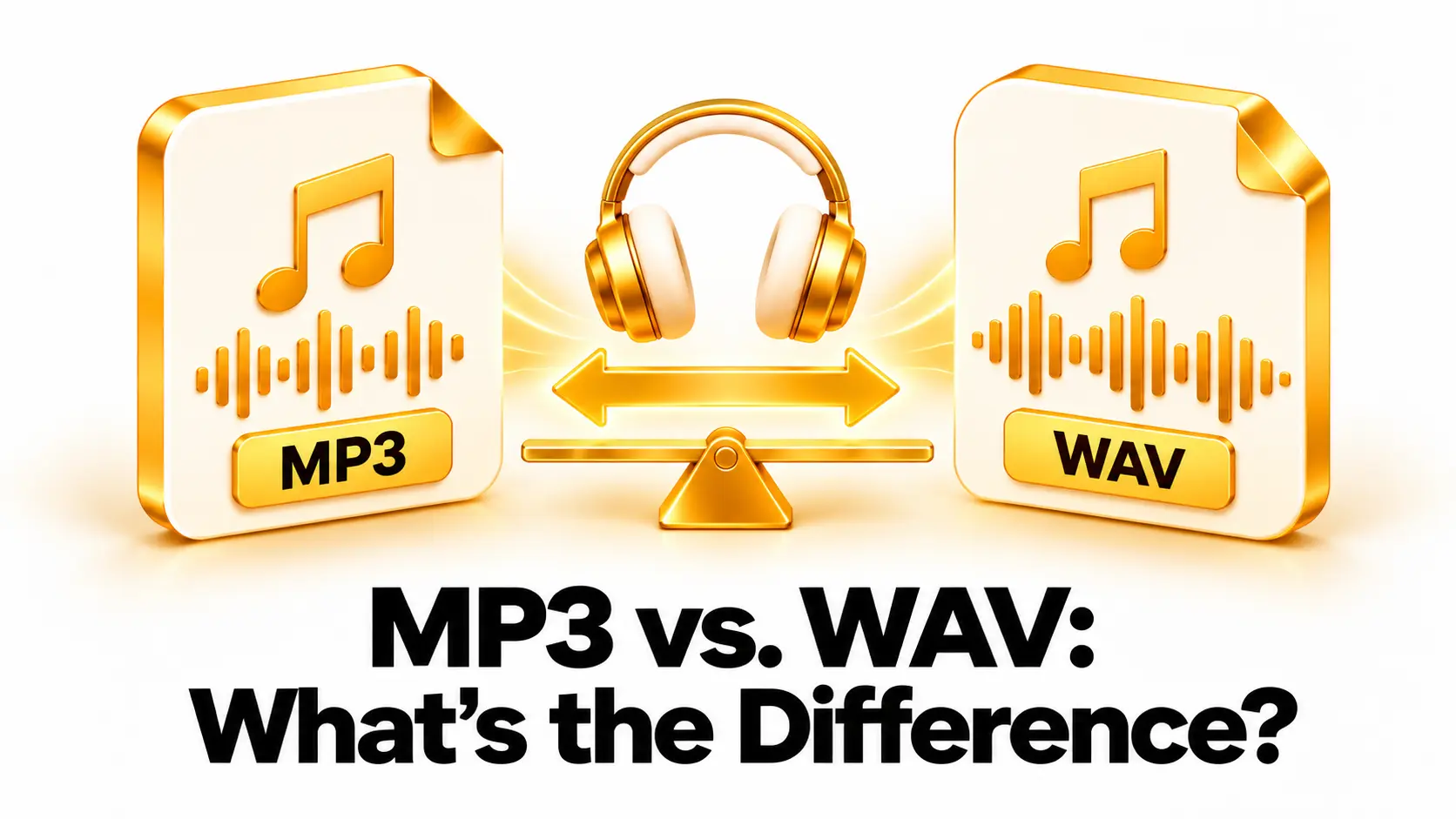
MP3 and WAV are two common audio formats, but they are designed for different needs. MP3 files are usually compact and easy to share. WAV files are often much larger and are commonly used for recording, editing, and keeping high-quality audio.
The main difference is how audio data is stored. MP3 uses lossy compression, which removes some audio information to reduce file size. WAV is a container that often stores uncompressed PCM audio, although WAV can also hold other audio data. That distinction affects file size, editing, compatibility, and the way you should use each format.
This guide explains the differences in simple terms, compares MP3 and WAV, and helps you choose the right format for listening, sharing, or production. The best option depends on what you plan to do with the audio and whether you need a compact copy or a working master.
What Is MP3?
MP3 is a digital audio format that uses lossy compression. When audio is encoded as MP3, the encoder reduces the amount of data needed to store it. It does this by removing some information that may be less noticeable to listeners. The result is usually a much smaller file than uncompressed audio.
MP3 became popular for storing and sharing music because compact files are easier to download, transfer, and keep on portable devices. It is supported by a wide range of phones, computers, media players, websites, and audio applications. You can read more about its background and how it works in Wikipedia’s MP3 overview.
The amount of compression can vary. A higher bitrate generally preserves more audio detail and creates a larger file. A lower bitrate creates a smaller file, but the sound may become less clear, especially in music with complex instruments or detailed high frequencies.
What Is WAV?
WAV, or Waveform Audio File Format, is an audio container developed for storing digital sound. Many WAV files contain uncompressed PCM audio. Because the audio is not reduced through lossy compression, a PCM WAV can preserve the encoded audio data without the quality loss associated with MP3 encoding.
WAV files are often used for recording, audio editing, sound design, and creating master copies. Their larger size can be useful in production because editing programs can work with the audio without first decoding a compact lossy file. WAV can store different audio data, so the extension by itself does not guarantee that every WAV is uncompressed.
File size depends on the recording’s length, sample rate, bit depth, number of channels, and encoding method. A stereo recording at a high sample rate and bit depth takes more storage than a short mono recording. See Wikipedia’s overview of the WAV format for more background.
MP3 vs. WAV: Main Differences
This table shows common differences between MP3 and WAV files. Exact quality and size depend on how each file was created and encoded.
| Feature | MP3 | WAV |
|---|---|---|
| Compression | Lossy compression | Often uncompressed PCM, but can contain other data |
| File size | Usually compact | Often much larger when it contains uncompressed audio |
| Sound quality | Depends on bitrate and source | Can preserve uncompressed audio data |
| Compatibility | Very widely supported | Supported by many devices and editing programs |
| Common uses | Listening, sharing, and portable storage | Recording, editing, and production masters |
| Repeated editing | Repeated lossy exports can reduce quality | A suitable uncompressed WAV can be edited without MP3-style losses |
Which Format Has Better Sound Quality?
A WAV file containing uncompressed PCM can preserve the audio data as it was encoded in that WAV file. MP3 removes some data during encoding. For that reason, if you are comparing a clean PCM WAV with an MP3 made from the same source, the WAV retains more of the original audio information.
That does not mean every WAV will sound better than every MP3 in every situation. The source recording matters. A noisy or distorted recording does not become clean just because it is saved as WAV. A high-quality MP3 may sound clear for everyday listening, while a poorly recorded WAV may still sound poor.
Once audio has been compressed as MP3, converting it to WAV does not restore the information that was removed. The new WAV may be larger, but it will still contain audio that came from the compressed MP3. For best results, create WAV files from the original recording or another high-quality source.
For casual listening through common headphones or speakers, many people find a well-encoded MP3 convenient and clear. If you are recording, mixing, mastering, or archiving audio, a suitable WAV master can preserve more information for future work.
Which Format Has a Smaller File Size?
MP3 files are usually much smaller than uncompressed PCM WAV files of the same duration. Lossy compression reduces the amount of data needed to represent the sound. This can save storage space and make uploads or downloads faster.
A WAV file’s size grows with its duration and recording settings. Higher sample rates, greater bit depth, and more audio channels all require more data. For example, a long stereo recording will generally need much more storage than a short mono voice recording with otherwise similar settings.
The right choice depends on what matters most. If you need a compact file for a phone, email, or website, MP3 may be convenient. If you need a high-quality working copy and have enough storage, WAV may suit your production workflow better.
Compatibility and Sharing
MP3 is supported by a very broad range of devices and applications. It is a practical choice when you are not sure what audio player the recipient will use. MP3 is also commonly accepted by websites and services that allow audio uploads, though each service can set its own file limits and format requirements.
WAV is also supported by many computers, phones, audio players, and editing programs. However, WAV files can take longer to upload and may exceed attachment or website size limits. Some services may not accept a particular WAV encoding even if they accept WAV files generally.
Before sending a file to a client, collaborator, or platform, check its current audio requirements. If the recipient needs a small, ready-to-play file, MP3 is often a useful delivery format. If they need to edit or process the audio, ask whether they prefer WAV or another production format.
Which Format Is Better for Editing and Recording?
WAV is often a good choice for recording and editing when it contains uncompressed PCM audio. It keeps the audio in a form that is suitable for editing and processing without adding the lossy compression used by MP3. This can be helpful when you plan to adjust levels, remove noise, mix tracks, or export several versions.
MP3 is useful for reviewing, distributing, or listening to a finished recording. It can also be imported into many editing programs, but repeated editing and exporting to MP3 can add further lossy compression. A better workflow is to keep a WAV or other high-quality master, then create an MP3 copy for sharing.
If storage space is limited, you may not need to keep every temporary recording as WAV forever. Keep the original project or final master that matters to you, and make smaller listening copies when needed. Organize files so you can tell which one is the master and which one is the compressed version.
How to Choose Between MP3 and WAV
Choose based on the purpose of the audio, not just the file extension. Think about whether you will edit it again, where you will play or upload it, and how much storage space you have.
- Choose MP3 when you want a compact file for everyday listening, sharing, or portable storage.
- Choose WAV when you are recording, editing, processing, or keeping a high-quality master in an uncompressed PCM format.
- Keep both formats when you need an editing master and a smaller version to send or play on different devices.
- Check the specifications if a website, client, or audio application gives you required formats or settings.
- Keep the best source before making a lossy MP3 copy, so you can create another export later without starting from a compressed file.
For most listeners, MP3 offers a convenient balance of size and compatibility. For audio production, WAV is often the better working format when its larger size is manageable. You can use both: keep WAV for editing and make MP3 for convenient listening.
How to Convert MP3 and WAV Files
If you need a different format, use a reputable audio converter. For a browser-based option, visit Convertig and select the relevant audio conversion tool if available.
- Choose the best source file. Use the original recording or the highest-quality version you have. Avoid converting an MP3 to WAV if your goal is to restore quality.
- Add the audio file to the converter. Confirm that you selected the correct track and that the file plays before converting.
- Select the output format. Choose MP3 for a compact listening copy or WAV for a suitable uncompressed working file.
- Set the quality options. For MP3, choose a reasonable quality or bitrate. For WAV, preserve the source sample rate, bit depth, and channels unless your project requires different settings.
- Convert and check the result. Play the new file and confirm that the sound is complete and that the file opens in your intended app.
- Keep your master copy. Save the converted file separately so it does not replace the original recording.
Converting between formats changes how the audio is stored, but it cannot create details that are not present in the source. For example, an MP3 converted to WAV will normally become larger without regaining lost audio data.
Frequently Asked Questions
Is WAV better quality than MP3?
An uncompressed PCM WAV can preserve more audio information than a lossy MP3 made from the same source. The actual listening experience also depends on the original recording, MP3 bitrate, playback equipment, and listener.
Is MP3 better for listening?
MP3 is a practical format for everyday listening because it is compact and widely supported. Choose a suitable quality setting for the sound you want and the storage space you have.
Can I convert MP3 to WAV without losing quality?
You can convert an MP3 into a WAV file, but the conversion cannot restore data removed during MP3 compression. The WAV may be larger, but it will still be based on the compressed MP3 audio.
Why are WAV files so large?
Many WAV files store uncompressed audio. Larger sample rates, bit depth, channel counts, and longer durations all increase the amount of data the file contains.
Should I record in MP3 or WAV?
If you plan to edit or process a recording, WAV is often a useful starting format when storage permits. You can create an MP3 copy later for sharing or listening.
Can every device play WAV?
Many devices and apps support WAV, but support can depend on the encoding inside the container. If playback compatibility is uncertain, test the file or send a commonly supported MP3 copy.
Final Checklist
Choose MP3 for compact, convenient listening and sharing. Choose WAV when you need an uncompressed working copy for recording, editing, or production, and confirm that the WAV uses settings your software supports. Keep the best source file before creating a compressed copy.
MP3 and WAV each serve a useful purpose. By choosing the format that matches your workflow, you can balance file size, compatibility, and editing flexibility without expecting a format conversion to improve a low-quality source.